Small Digital Problems That Quietly Cost Local Businesses
Minor website and lead-flow issues—slow responses, unclear navigation, missed booking confirmations—don't feel urgent, but they quietly reduce leads, trust, and revenue. Here's a practical checklist to fix them.
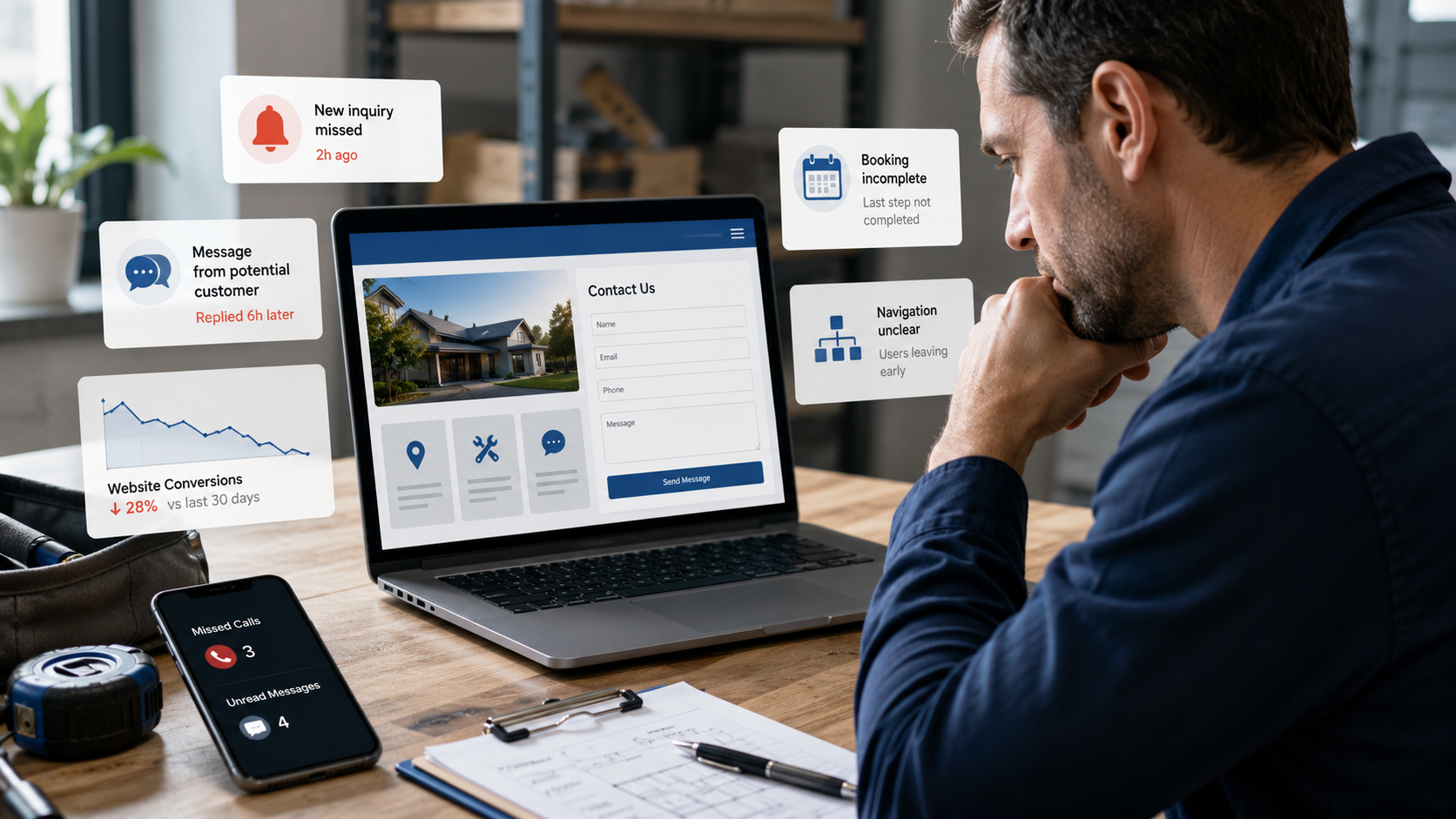
A one-lead story you’ll recognize
You get a call from a homeowner asking about a roof repair. They say they found you online, skimmed your site, filled your contact form, and expected a quote. A week goes by. No reply. The homeowner hires the first company that answered. You never even knew you lost that lead.
This exact scenario happens every week for local businesses. The cause isn’t always price or skill — it’s small digital friction: a contact form that doesn’t alert anyone, a slow site that frustrates visitors, unclear service pages, or no booking confirmation. These are quiet problems that add up.
Why these small issues matter
Small digital problems don’t trigger an immediate panic. They show up as lower conversion rates, fewer repeat customers, and weaker word-of-mouth. But over a month or a year, they compound:
- Missed or slow responses cost leads to competitors.
- Confusing or outdated service pages reduce trust and increase call time.
- No booking confirmations and missed follow-ups cause cancellations and no-shows.
- Manual processes waste staff time and create inconsistent customer experiences.
For a local business, losing a few leads a week can mean thousands of dollars in lost revenue and fewer long-term clients.
How these issues affect leads, trust, and time
Leads: When contact forms don’t notify staff or emails land in spam, potential customers drop off immediately. Fast, clear follow-up converts interest into appointments.
Trust: Outdated service pages, missing prices or unclear scope, and slow-loading pages make your business look unprofessional. Customers choose businesses they trust quickly — a modern, clear website builds that trust.
Time: Manual steps — copying form entries into spreadsheets, calling every lead to confirm bookings, or searching inboxes for messages — cost your team hours each week. Those are hours that could go to billable work, marketing, or improving services.
Practical fixes you can implement this week
Here are straightforward, low-cost changes you can make. No heavy technical knowledge required.
1) Fix contact form notifications
- Test your form: submit it and track whether an email, SMS, or CRM entry is created within minutes.
- Add immediate on-screen confirmation and an automated email to the customer saying you’ll respond in X hours.
- Route form submissions to a shared inbox or a simple CRM so staff can see and act quickly.
Why it works: Immediate confirmation reassures customers, and routing prevents messages from getting lost.
2) Speed up response times with simple automations
- Set an automated email or SMS reply that includes next steps, availability, and a prompt for urgent calls.
- Use templates for initial replies so your team can respond under a few minutes.
- If you use an online booking tool, enable instant booking where possible.
Why it works: The fastest responder usually wins the job. Automations buy you minutes and look professional.
3) Clean up your service pages
- Review your top service pages for clarity: who is it for, what’s included, approximate price ranges, and typical timeline.
- Use simple headings, bullet points, and a clear call-to-action (call, book, or get a quote).
- Keep content current: change example projects, pricing, or service coverage as soon as they shift.
Why it works: Clear pages reduce questions and shorten sales calls.
4) Confirm every booking and reduce no-shows
- After a booking, send an automatic confirmation email and a reminder 24–48 hours before the appointment.
- Include cancellation and rescheduling options so customers can manage appointments themselves.
Why it works: Confirmations increase show rates and reduce back-and-forth for your staff.
5) Reduce manual steps with simple integrations
- Connect your website form to your calendar and CRM with a tool or a simple integration (many website builders and booking apps support this natively).
- Automate common tasks: add new leads to a follow-up sequence, send a thank-you message after a job, and prompt reviews 3–5 days after completion.
Why it works: Automations remove repetitive work and keep customers moving through the sales funnel.
6) Make navigation obvious
- Put key actions (Book Now, Get a Quote, Services, Contact) in your header and make them stand out.
- Keep menus short and use plain language — homeowners don’t search for “solutions” as a category; they search for “kitchen cleaning” or “roof repair.”
Why it works: Visitors should never guess where to click.
Quick checklist you can use now
- Submit your contact form and confirm notifications arrive within 15 minutes.
- Add an immediate confirmation message and automated reply.
- Update one service page this week with pricing ranges and a clear CTA.
- Enable booking confirmations and a reminder for appointments.
- Identify one manual task to automate (e.g., move form entries to CRM).
When to get help
If these tasks feel too time-consuming or require technical setups you don’t want to manage, it’s worth getting help. A short audit of your website, lead flow, and automations can reveal the small fixes that produce the biggest returns.
At Logicove, we help local businesses design websites that reduce friction and build simple automations and lead flows so you don’t lose customers to avoidable problems. We focus on practical fixes that save time and increase conversions, not flashy features.
Book a free consultation with Logicove
Book a free consultation with Logicove
Logicove helps local businesses build modern websites, smoother lead systems, and automations that make it easier for customers to take action.
Get started →